22/10/2026 17:19
Recorded Demo, Live Questions: YouTube Premieres for Cambodian Mosaic Workshops
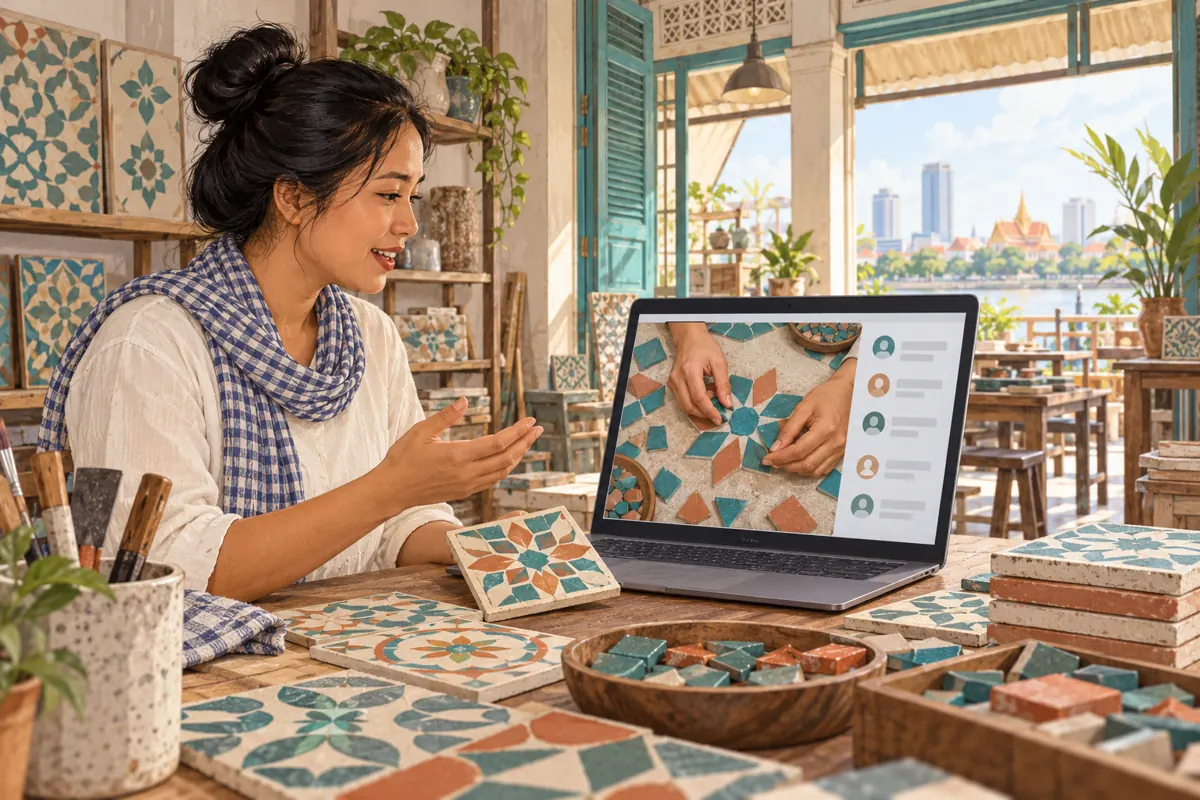
A carefully filmed mosaic demonstration can still leave viewers with questions: Which pieces form the border? Is the sample a finished product or a practice layout? Can the workshop supply matching materials? For a Cambodian business, a shared viewing can create a useful opportunity to answer those questions. YouTube Premieres combine an uploaded video with a scheduled viewing experience and live chat. The practical challenge is setting expectations: the demonstration was recorded, while staff may be present to respond. This guide explains how to prepare that experience, promote it honestly, and decide whether an SMM-panel service has any appropriate role.
1. Decide whether the demonstration needs a shared viewing
Start with the reason someone should attend at a particular time. A new mosaic collection may benefit from a host explaining how its pieces relate to one another. A simple opening-hours announcement probably does not. Choose a Premiere when the conversation adds something useful to the finished video and a knowledgeable staff member can attend. If customers mainly need an immediate reference, publish a straightforward guide they can consult when convenient.
Consider a hypothetical Phnom Penh workshop introducing a small decorative border collection. Its recorded demonstration compares two arrangements using the same pieces. The shared viewing has one purpose: help viewers describe which arrangement they want to discuss with the workshop. It does not promise a complete installation lesson, a personalised design consultation, or a confirmed quotation. That narrow purpose makes the event easier to explain and easier for a small team to support.
2. Separate the recorded demonstration from the host's presence
Describe the format directly in every invitation. A hypothetical message could say: “Watch our recorded border-pattern demonstration together. Our workshop team will answer general questions in chat.” Avoid language suggesting that the craftsperson will change the demonstration in response to messages. Someone asking to see the reverse of a tile should understand that staff can explain it or arrange a later photograph, rather than turn the object over inside the finished recording.
Give the host a short scope note before promotion begins. Include what the video shows, what it leaves out, and which questions require a separate enquiry. For the mosaic example, staff might discuss piece shapes and sample arrangements but defer questions about a customer's wall surface until they have enough information. This preparation prevents an enthusiastic invitation from becoming an accidental promise of technical advice or immediate project approval.
3. Prepare a video that works without the conversation
Build the demonstration around a visible comparison. Begin with the completed sample, show the pieces used, and explain the arrangement in a consistent order. Keep the camera close enough to distinguish edges and gaps. If two samples differ only slightly, place them together before showing individual details. For Cambodian viewers, choose spoken explanations and supporting labels that match the intended audience; do not assume that an English product code explains the material or its use.
Watch the finished recording without referring to your planning notes. Can another staff member identify the sample being discussed? Does the narration distinguish an arrangement demonstration from installation instructions? Remove unsupported claims about suitability or durability. Keep temporary stock information outside the central explanation where possible, because the recording may remain useful after availability changes. The host should enrich an understandable video, rather than spend the entire viewing correcting omissions.
4. Set up the Premiere and check the public invitation
YouTube's Premiere guide describes uploading the video in YouTube Studio, choosing Schedule, entering a date and time, and selecting Set as Premiere. Its current instructions exclude Shorts, 360/VR180 videos, and output above 1080p. A public watch page exists before the event and can be shared. Check the linked official guide when preparing the upload, especially if the source footage uses an unusual format.
Treat that public page as an invitation customers may encounter without additional explanation. Check the sample shown in the thumbnail, the opening description, and the stated subject. Give another staff member the same link you intend to share and ask what they expect to happen. If they expect a live workshop tour but the recording is a tabletop pattern comparison, revise the invitation before distributing it through your business's usual social channels.
5. Plan the countdown and staff availability together
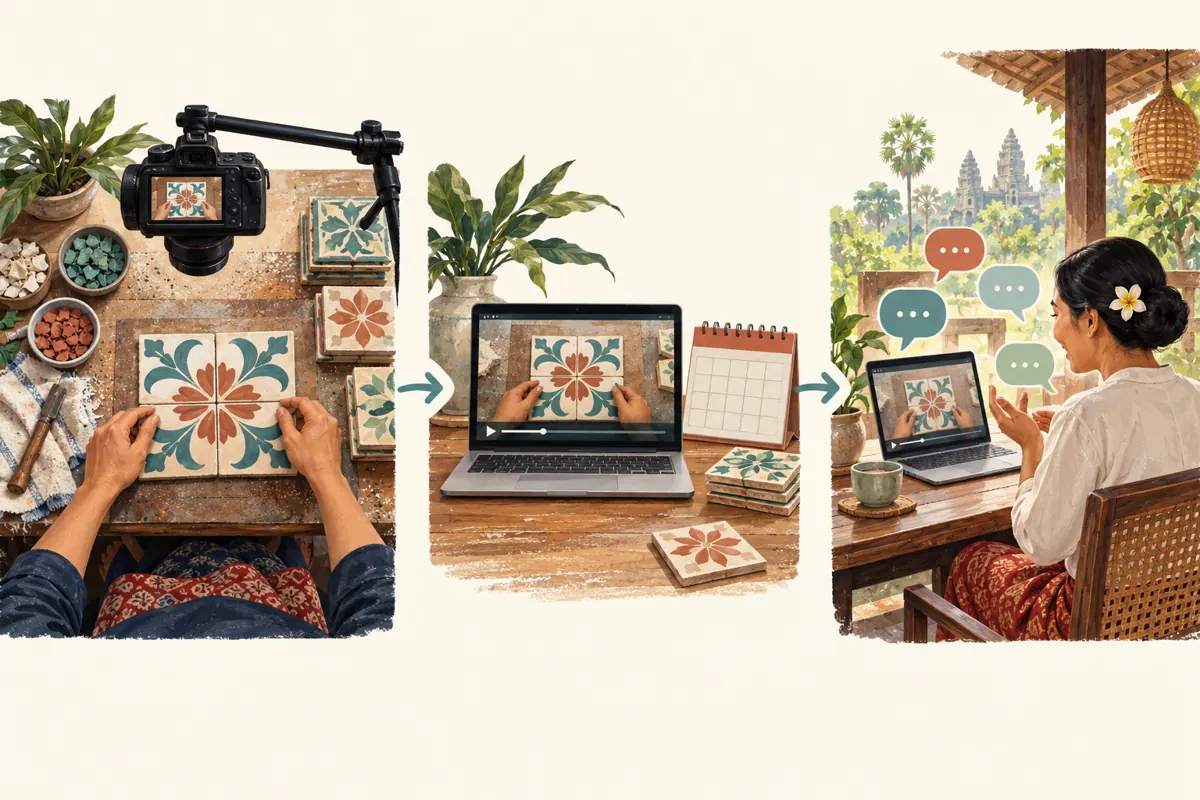
YouTube starts the selected countdown at the scheduled Premiere time; the video follows when the countdown finishes. Build your staffing plan around both parts. In a hypothetical event scheduled for 7 p.m. Cambodia time, the host should be ready before that time rather than arriving when the demonstration is already underway. State Cambodia time explicitly in manually written invitations, and use a complete date so a forwarded message remains understandable.
Choose an attendance window the team can actually maintain. Someone handling walk-in customers may need a colleague to monitor questions. Prepare a backup contact for the host and keep the sample reference sheet nearby. If staff availability changes before promotion begins, reconsider the event format. If invitations have already circulated, update them clearly instead of letting customers discover that the promised team conversation is unavailable when they arrive.
6. Prepare replies that help viewers describe their needs
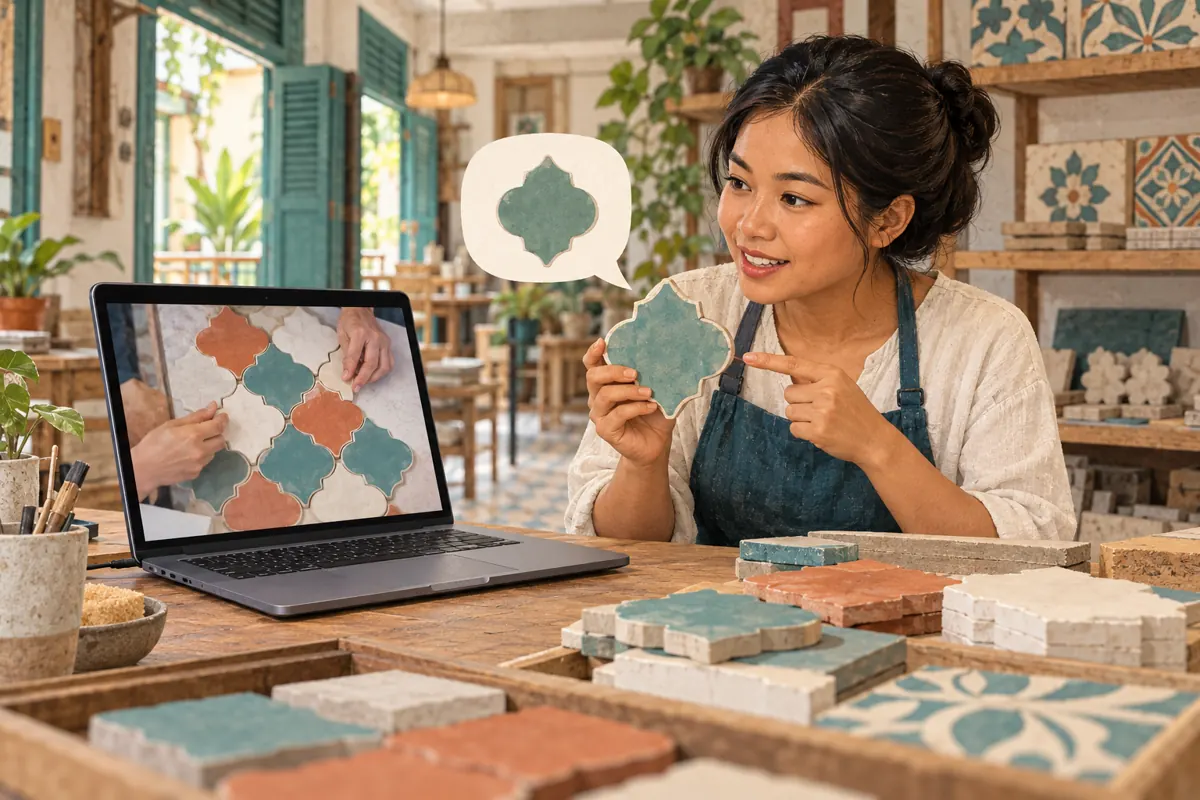
Write a few internal reply starters using the workshop's normal customer language. Useful replies identify the sample, explain a visible difference, or request the next relevant detail. For example, a hypothetical response might say: “The rounded pieces appear in the second arrangement. Tell us which sample you mean when you contact the shop.” Avoid copying the same promotional sentence into every exchange; the purpose is to answer the question actually asked.
Keep personal information out of the public conversation. A customer can describe a general pattern preference in chat, then use the shop's established private enquiry route for addresses, room photographs, or quotation details. YouTube's live-chat instructions also allow the channel owner to pin one message at a time. If using this feature, make the pinned message a concise explanation of the session and enquiry route, rather than a long catalogue or an unverified offer.
7. Evaluate SMM catalogue labels before considering any request
The supplied je-smm.com catalogue includes “YouTube Like ~ Max 100k ~ 50k/days ~ Instant ~ 𝐍𝐎 𝗥𝗘𝗙𝗜𝗟𝗟”. Its name identifies a likes listing, but the brief provides no supporting description. The wording is not verification of speed, quantity, reliability, audience location, or compatibility with a Premiere. It also does not establish that the service brings people who understand the demonstration or intend to contact a Cambodian workshop.
YouTube prohibits artificial increases in views, likes, comments, and other metrics, and says that a hired promoter's actions can affect the channel. Reject a service whose method artificially inflates engagement. A catalogue entry is not evidence of platform permission or affiliation. Purchased engagement is not evidence of genuine interest, sales, ad delivery, or Cambodian users. For this event, put effort into an accurate invitation and useful hosting; do not use purchased likes to imply that customers attended or endorsed the workshop.
8. Host the viewing without turning questions into orders
At the start, welcome viewers and restate that the demonstration is recorded. Introduce the staff role rather than presenting the host as an independent customer. Follow the video with the sample sheet open so replies use consistent names. If several questions concern the same arrangement, give a clear general explanation and note any individual follow-up needed. Acknowledging uncertainty is more useful than inventing an answer while trying to keep pace.
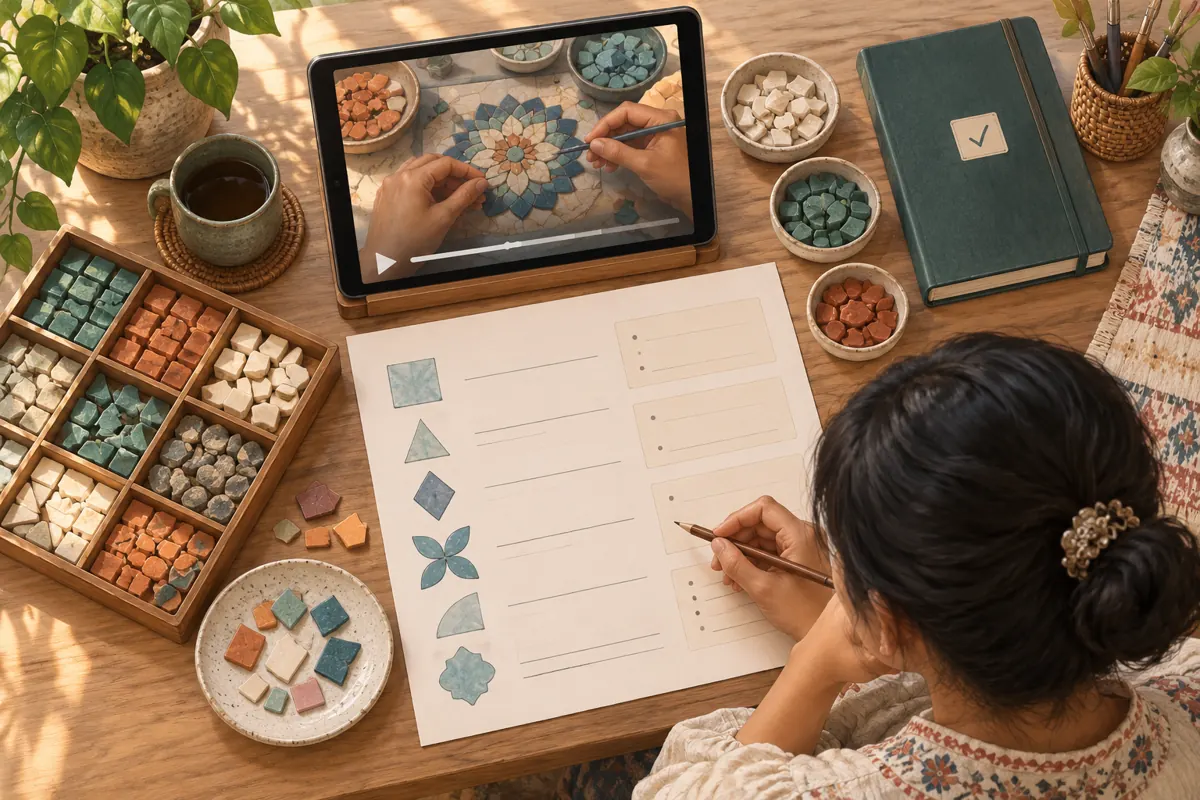
Keep a simple internal question log containing the topic, the answer given, and any unfinished action. Record only the information necessary for follow-up. A request to see another colour is not a reservation, and an enthusiastic comment is not permission to create a testimonial. If someone wants to buy, direct them through the normal process for confirming the item, quantity, availability, price, and collection or delivery arrangements. The viewing should support that process without bypassing it.
9. Prepare the replay for people who missed the event
After a Premiere, YouTube keeps the video as a regular upload without the countdown theme. Review the surrounding copy for late viewers. Replace an invitation that says “join us tonight” with a description of what the demonstration covers. Keep any current enquiry instructions understandable on their own. Someone watching later should not need to reconstruct the original event announcement to identify the sample or find the next step.
Use the question log to write a short clarification where viewers can find it. If people repeatedly confused the border pieces with the centre pieces, explain the distinction using the same sample names as the recording. Make a separate follow-up demonstration if the missing explanation needs new footage. Avoid treating chat as the only place where essential details live. A useful replay should still make sense when someone watches quietly, skips the conversation, or arrives through a shared link.
10. Review the event using questions and confirmed actions
Evaluate whether the shared viewing achieved its stated purpose. Did staff help viewers identify the arrangements? Which explanations remained unclear? Were promised follow-ups completed? Keep business outcomes separate: a general question, a request for a quotation, and a confirmed purchase describe different stages. If the shop tracks enquiries, ask customers how they found the demonstration when appropriate, rather than assigning every later sale to the event.
Common mistakes include calling recorded footage live, leaving an unattended chat after promising staff participation, treating reactions as bookings, and retaining expired offer language beside the replay. Another mistake is repeating the event format without considering the team's workload. If the conversation produced useful questions and staff could respond carefully, another Premiere may be worthwhile. If most customers wanted an accessible reference at their own pace, invest the next production session in a clearer standalone guide.
Frequently asked questions
Should a small Cambodian workshop use a Premiere for every demonstration?
No. Use it when a shared conversation has a clear purpose and staff can attend. A routine reference video may serve customers better as an ordinary upload. Decide according to the question the event will resolve, the team's availability, and whether viewers benefit from gathering at the same time.
What should we do if someone asks for a demonstration that is not in the recording?
Explain that the footage is prerecorded and acknowledge the missing detail. Offer a later photograph or follow-up video only if the team can provide it. Record the request internally, assign responsibility, and avoid promising that the current recording can change during the viewing.
Can we present a busy chat as evidence that our mosaic collection is popular?
Describe only what you can substantiate. Questions may reflect curiosity, confusion, or buying interest, and they do not establish sales. Do not turn individual comments into endorsements without permission. Report confirmed enquiries and purchases separately, with an honest explanation of how you connected them to the event.
Does a YouTube likes service help confirm that local buyers attended?
No. A likes count does not establish attendance, location, understanding, or purchase intent. The supplied listing has no descriptive evidence supporting those conclusions. YouTube also prohibits artificial engagement, so do not use a metric-inflation service as part of the event plan.
What if the host loses connection during the viewing?
Have a colleague ready to communicate the interruption if possible. After reconnecting, acknowledge the gap and collect unresolved questions. If no backup is available, publish a clear follow-up and fulfil any commitments already made. Avoid implying that every question received a response when staff could not monitor the conversation.
Explore the current service catalogue, create an account, or ask a specific question through support tickets.
- YouTube Help: Premiere a new video
- YouTube Help: Use Live Chat during your live stream or Premiere
- YouTube Help: Fake engagement policy
Prepared with AI assistance. Illustrations explain the workflow and do not represent customer results.